Linking photographs and records without version confusion
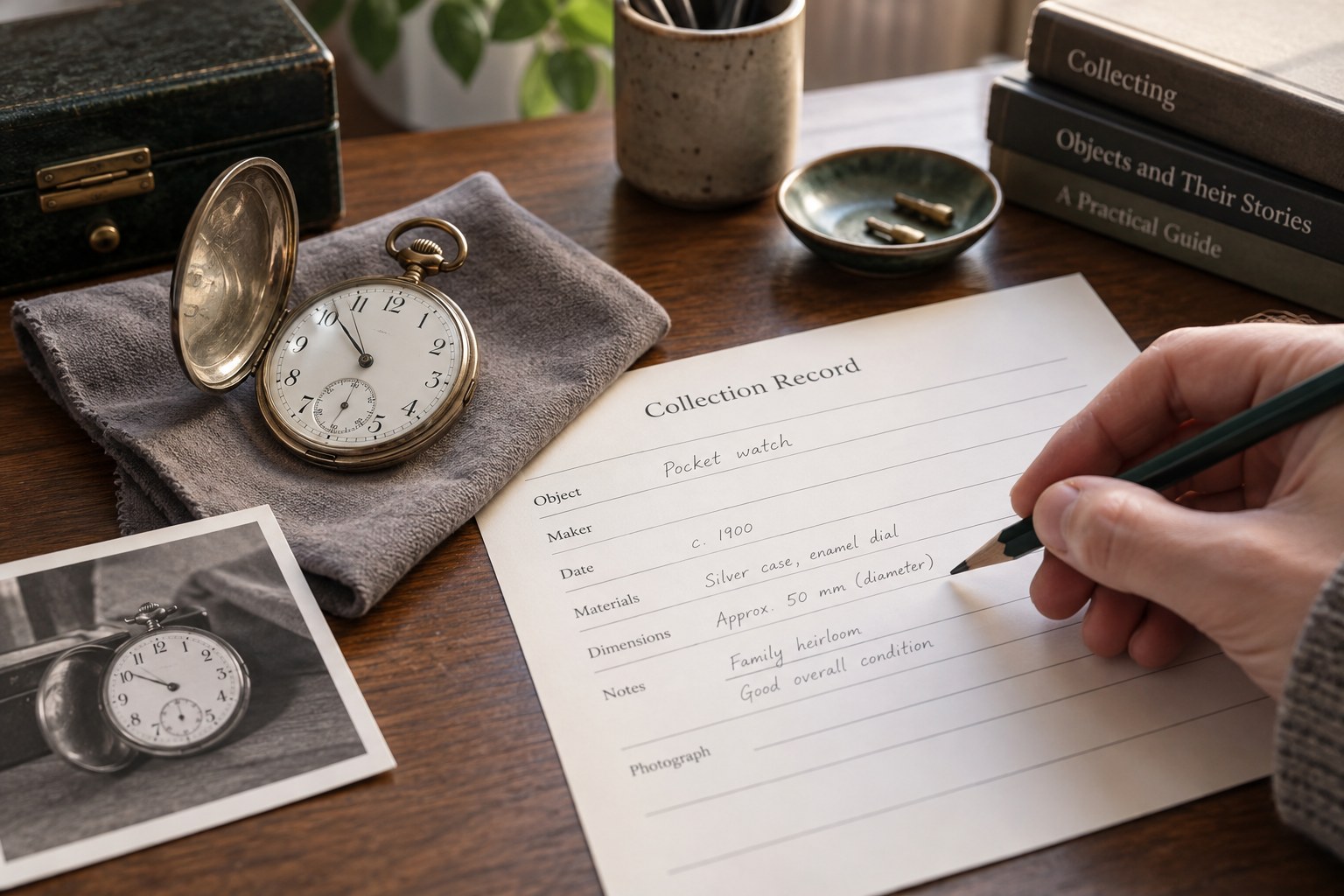
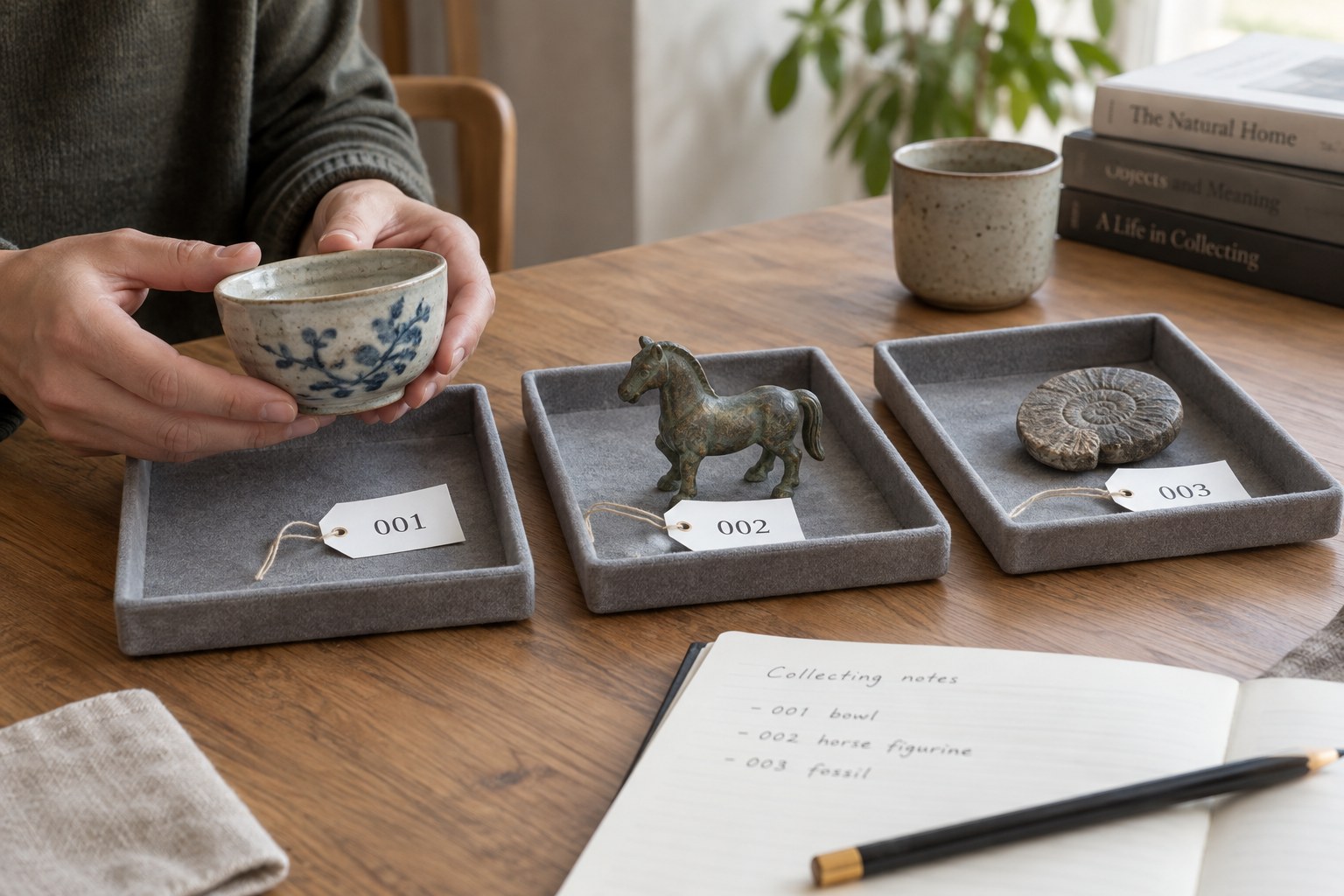
A folder full of sharp photographs is not an inventory if you cannot tell which object, view or date each file represents.
Keep identity separate from the photograph’s sequence
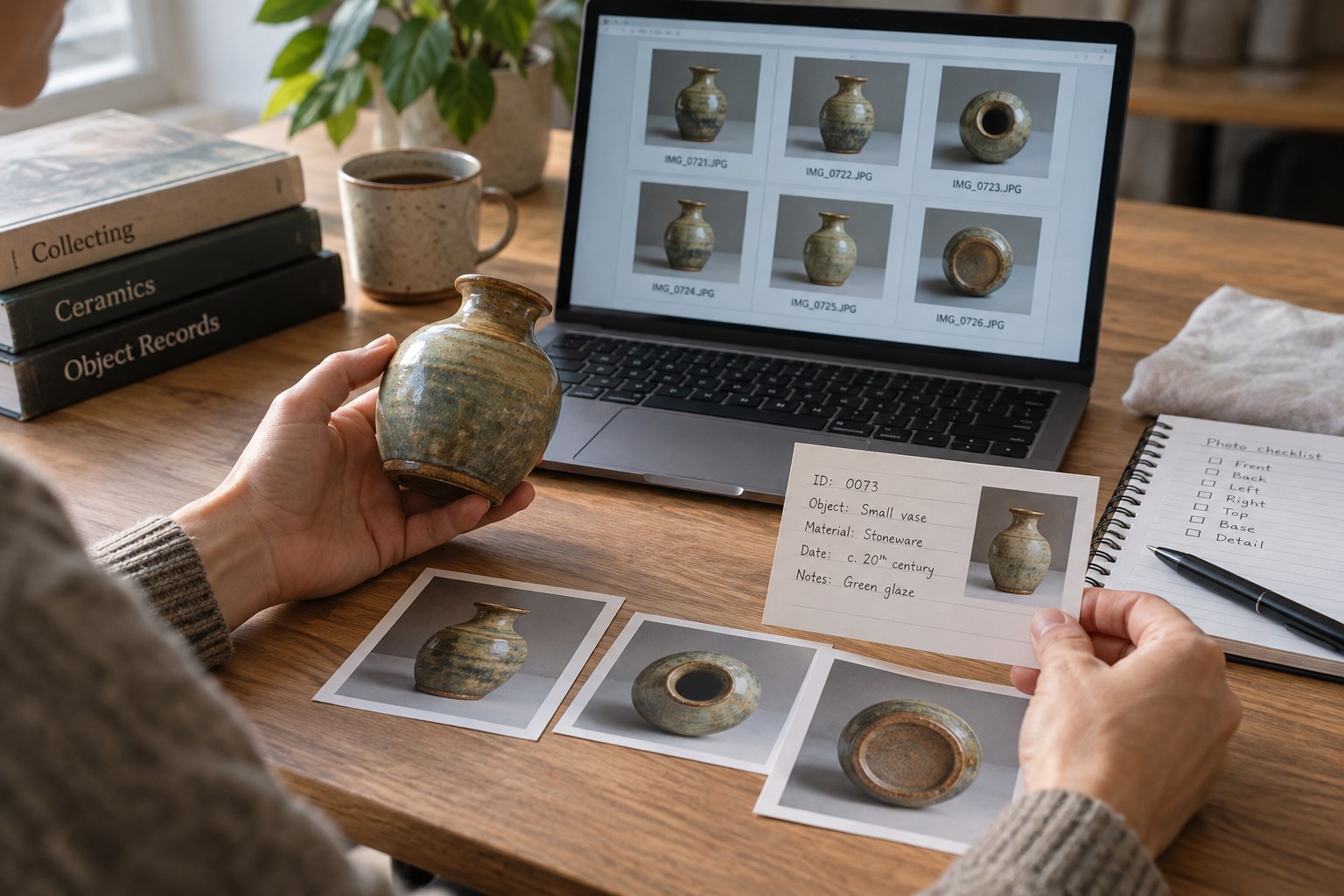
Start every filename with the object’s stable identifier. Follow it with a short view description and, when useful, the date. For example, CVC-0042_reverse_2026-10-15 connects a reverse view with one object without relying on the camera’s numbering. Use a consistent date order so files sort sensibly. The example is a naming convention, not a requirement to photograph every object on a particular schedule.
Avoid names such as final, final2 and new-final. They say nothing about what changed. If you adjust exposure or crop a copy, describe that derivative in the filename while preserving the untouched original. An image prepared for a listing can omit surrounding clutter, but it should not remove a defect that a buyer needs to see.
Make the inventory point to the right level
A record can link to a folder containing all views of an object, with a separate field naming the main photograph. This is easier to maintain than inserting a long list of individual links into a notes cell. Put the identifier in the folder name and keep all collection folders under a stable parent directory.
Links to files on your own computer may break when another person opens the spreadsheet. Test the arrangement on a second device or in a copied project folder before relying on it. Relative paths can help when the inventory and pictures travel together, but the software must support them. If it does not, include a readable filename alongside the clickable link so the connection is still recoverable.
Keep a small view list where the distinction matters: front, reverse, edge, maker’s mark, packaging and a named defect. A photograph called damage tells you less than lower-left-corner. Match the words used in condition notes to those used in filenames, making it easier to check the relevant detail.
Treat replacement images as a new observation
When you photograph an object again, keep the earlier set if it documents a different condition or arrangement. Add the new date and explain why the images were replaced. A new photograph may show improved lighting rather than a physical change; a short note prevents someone from reading the difference as damage or restoration.
Before deleting apparent duplicates, compare the full images. Two files may look similar as thumbnails while showing opposite sides or a tiny identifying mark. Use a temporary review folder instead of immediately emptying the recycle bin. Once a decision is made, update the inventory’s main-image field so it no longer points to a discarded file.
Include both the photographs and their inventory in the same backup routine. Test recovery with one object: restore its record and pictures to a separate location, then open the links. A successful backup of the spreadsheet alone does not preserve the visual evidence it refers to.