Backing up a collection inventory
A collection inventory is only recoverable if its photographs, attachments and organising rules can be restored with it. A copy of the spreadsheet alone may leave most of the record behind.
Identify the complete archive
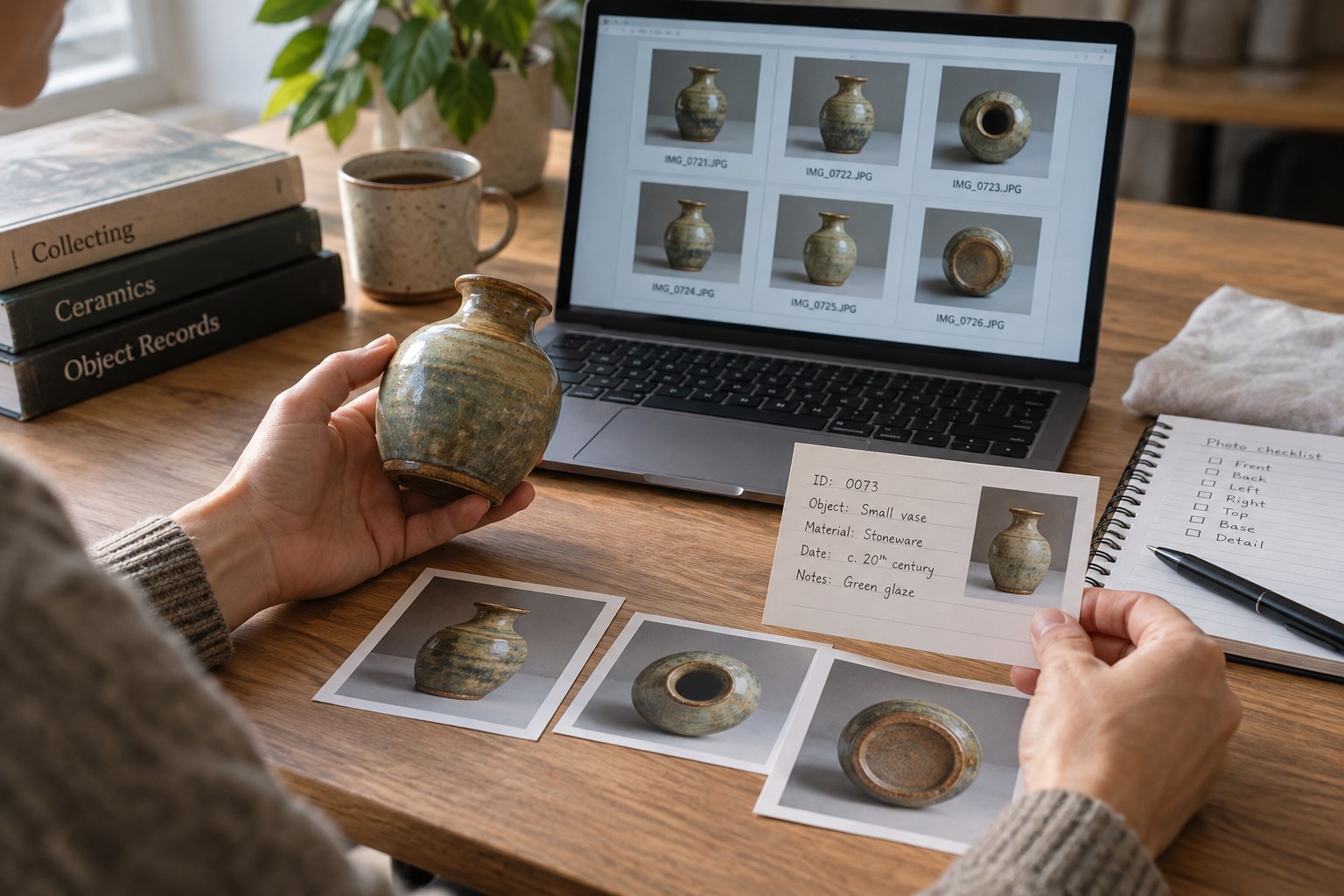
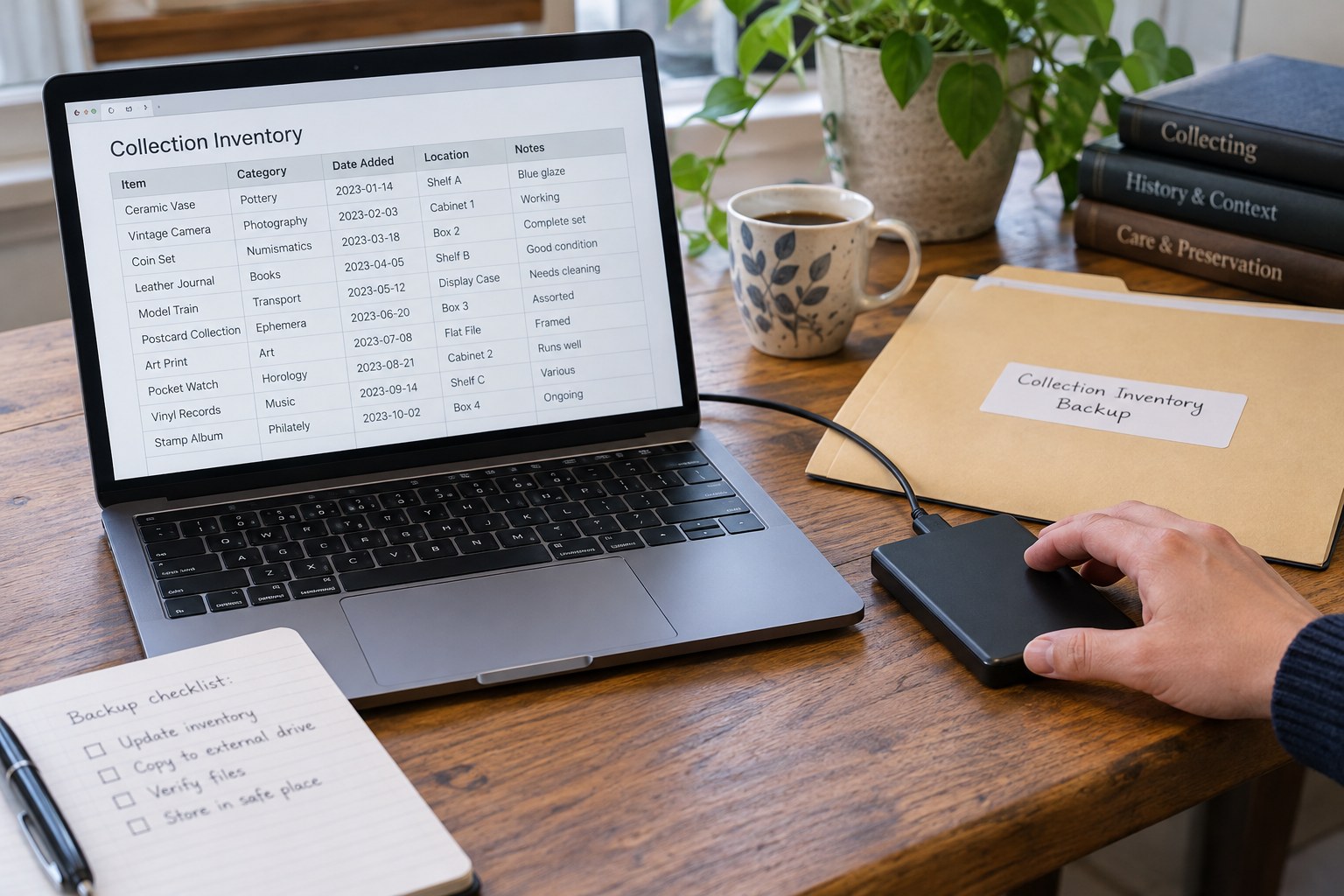
List the working inventory, image folders, receipts, research notes and any software export needed to read them. Check whether the inventory embeds images or merely links to files elsewhere. A spreadsheet can open successfully while every photograph link is broken. Include the folder structure and a short explanation of how the components relate.
Record the application and file formats used. If a specialist catalogue program holds the data, inspect its export options before relying on it exclusively. Save a readable export that preserves the fields you need, and check whether attachments and relationships are included. An export that loses location or uncertainty notes may not be an adequate replacement for the working record.
Separate copying from synchronising
A synchronised folder can make files available on another device, but changes and deletions may also propagate. Understand the service’s version and recovery behaviour rather than assuming that another visible copy is an independent backup. Keep a backup arrangement that can recover an earlier state when the working files are damaged or accidentally replaced.
Choose storage locations with different failure risks. A second drive beside the computer may help with a device failure but share the same risk from a room incident. Consider a separate location or appropriate remote backup for another copy, with access controls suited to the personal information in the archive. Record where the copies are and who can access them.
Use a schedule you can sustain
Decide which events trigger a backup: a recording session, a major reorganisation or a batch of new photographs. Add a regular check so an inactive collection is not forgotten indefinitely. Automated copying can help, but inspect whether it completed and whether the expected files were included. A scheduled task that fails silently is not a completed backup.
Keep dated versions rather than repeatedly overwriting the only copy. Use a clear naming scheme that distinguishes the working archive from backup sets. Avoid editing a backup casually, which can make it unclear which version is authoritative. Record major changes to folder names or software so later recovery can follow the right instructions.
Practise a restoration
Copy a backup into a separate test folder and open it without depending on the original working folders. Check several records, image links, attachments and non-English characters. Search for known items and confirm that their locations and notes remain present. If an application is required, make sure you know how to reopen the data with it.
Compare file counts and inspect representative originals, not only thumbnails. A preview image can remain available even when the full file is missing. Record the date and scope of the test and fix any broken path or omitted folder in the backup procedure. The test should answer whether you could resume work after losing the current computer.
Leave instructions another person can follow
Keep a short recovery note explaining the archive’s location, naming, software and which version is current. Store access information through an appropriate secure arrangement rather than in a public inventory export. If the collection is shared or may pass to someone else, make sure the authorised person knows that the digital record exists. A technically complete backup is of limited use when nobody can locate or understand it.