Scanning documents without forcing the original
Digitising a document should not require the original to become flat at any cost. Choose a capture method around its condition and construction.
Decide whether a flatbed is appropriate
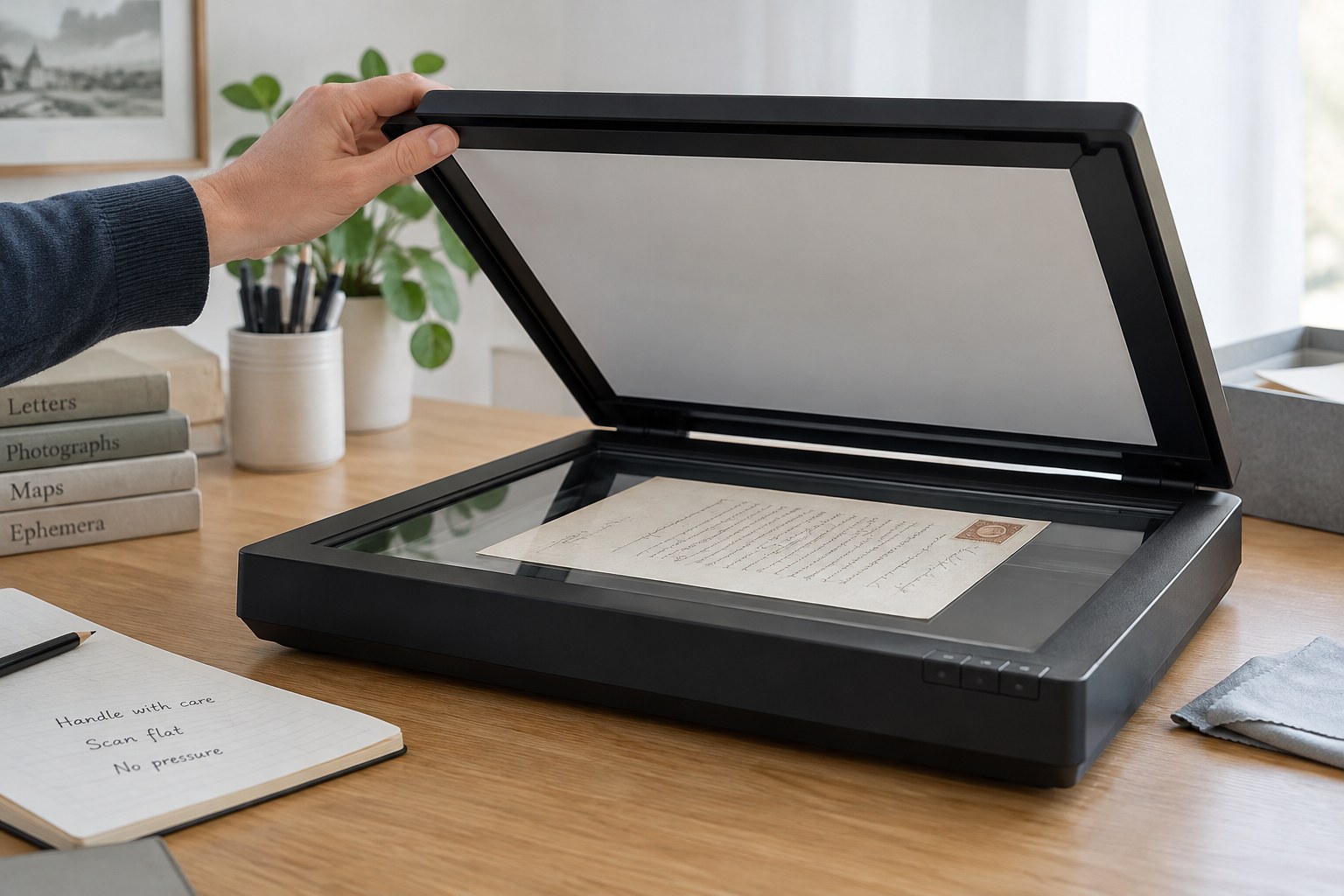
Inspect the object before opening the scanner. A loose, robust sheet presents a different problem from a bound album, folded document or brittle photograph mount. If placing it on the glass would strain a fold or require pressure from the lid, consider overhead photography or specialist assistance. The scanner’s ability to make an image does not establish that the handling is suitable.
Remove unrelated items from the work area and prepare a clean support beside the equipment. Check the scanner’s surface according to its manufacturer’s instructions before introducing the document. Do not place the object on a surface with cleaning residue. Keep drinks, loose clips and tools out of the route between support and capture area.
Make a complete reference image
Capture the full sheet with its edges visible, then add details if needed. A tightly cropped image may hide a tear, annotation or relationship between text and margin. For bound material, photograph the page in a supported position without forcing the binding to open flat. Record any area that remains hidden rather than treating it as absent.
Use settings that make the relevant text or image legible and test them on a suitable expendable sample first. Check the resulting file at full size before putting the original away. A preview that looks clear on a small screen may contain unreadable handwriting or clipped edges. Repeat only when the additional handling is justified by a specific improvement.
Separate the master from presentation edits
Save the original capture as a master file and make cropped, rotated or contrast-adjusted copies separately. An enhanced reading copy can help with faint text, but it should not replace the unaltered record. Keep a note of significant changes if the image will support a condition discussion or identification. Avoid editing marks away because they distract from the main text.
If software produces an automatic transcription, review it against the image. Names, dates and faded characters are easy to misread. Keep uncertain words explicit and do not allow a guessed transcription to become the only searchable evidence. The original photograph or scan remains the reference for checking the text.
Return the object and test the files
Name the files with the inventory ID, side or page and sequence. Record the physical location after returning the document to its enclosure. Open the saved files from their final folder and make a separate backup. A scan is not a complete preservation plan, but it can reduce handling when it is easy to locate and reliably linked to the original. Keep that connection visible in both the inventory and the file naming scheme.