Preparing comics for listing photographs
Prepare the photographic setup before bringing out the comics. A short, organised session reduces repeated handling and produces a clearer record of the copy offered.
Arrange the surface and camera first
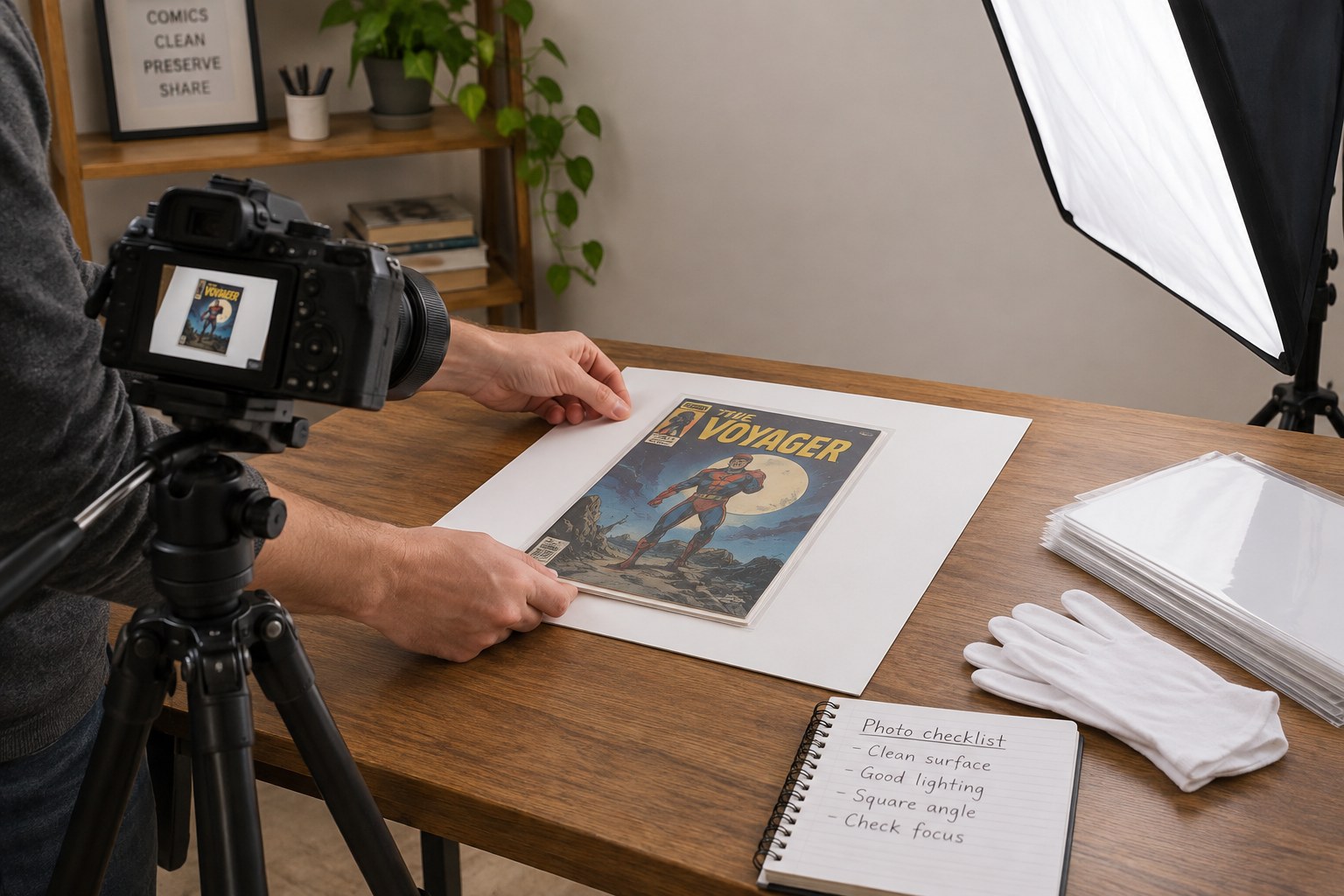
Choose a clean surface large enough for the comic, a neutral background and your hands. Remove drinks, pens and loose objects. Test the camera position with an ordinary sheet of paper so you can frame the whole cover without reaching across the comic. Check that a phone stand or tripod cannot fall into the working area.
Use an even light for the overall views and inspect the test image for reflections. If you photograph through a bag, say so and recognise that reflections or marks on the plastic can hide the surface underneath. Removing a fragile copy solely for a better picture may be inappropriate; explain the limitation instead of forcing the process.
Write a shot list for this copy
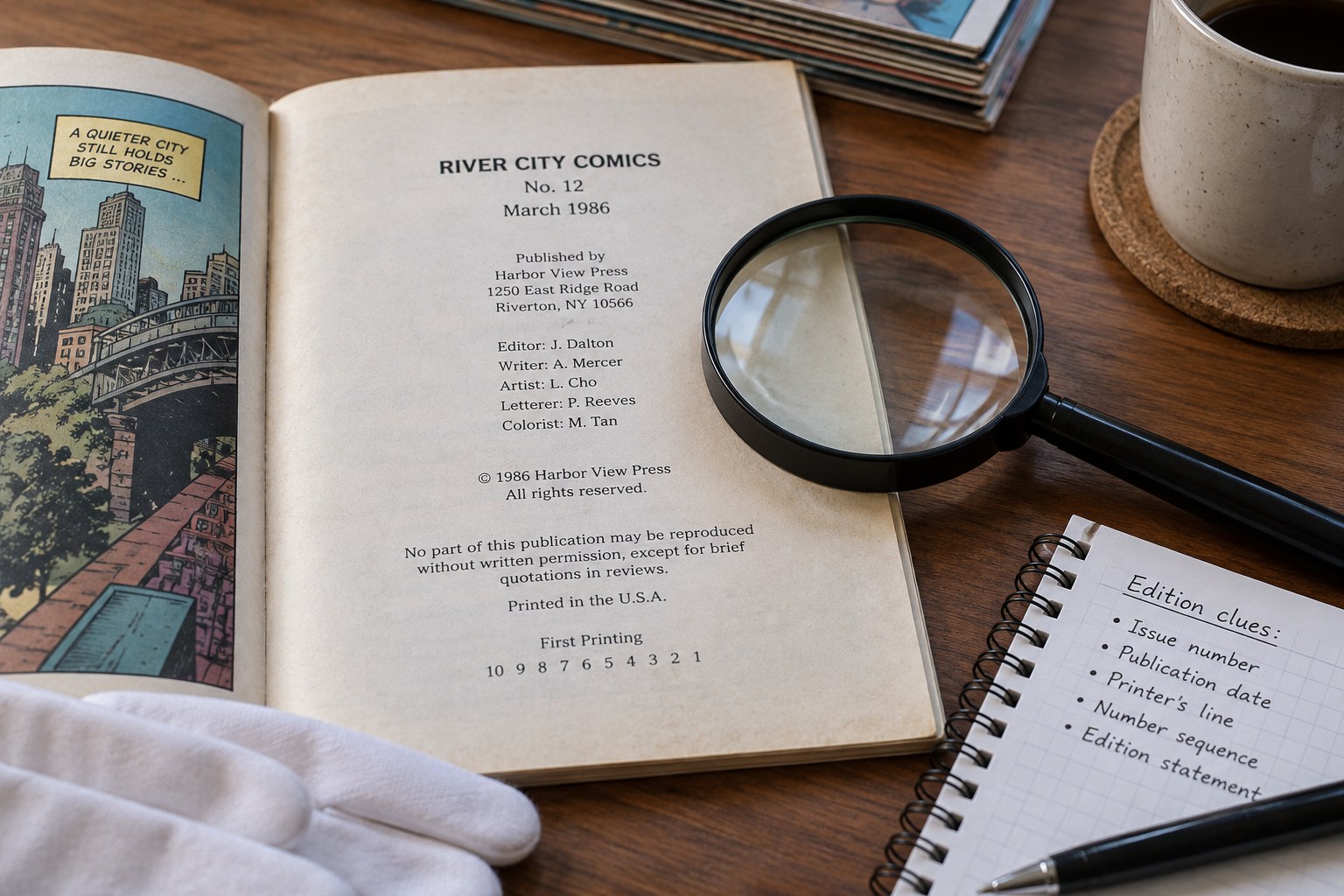
Include the complete front and back, the spine and the publication details where they can be accessed safely. Add specific views of tears, writing, stains, loose areas or repairs mentioned in your description. Photograph inserts or loose extras separately and state whether they are included. Do not arrange an attractive accessory beside the comic if a buyer might reasonably think it is part of the sale.
Keep one inventory reference visible in a separate reference shot or attach it to the image filenames afterward. Never stick a label to the comic. For several similar issues, finish the full sequence for one copy before starting the next; mixed photographs are surprisingly easy to create when covers differ only slightly.
Check before putting everything away
Open the images at a size where small text is readable. Check focus near the corners as well as the centre. Retake missing or blurred views while the setup is still ready, supporting the comic rather than holding it awkwardly in the air. Avoid filters that change paper colour or remove surface texture.
Keep original files and make smaller listing copies if needed. Give both sets related filenames so a detail remains connected to the correct object. Compare the finished sequence with your written description: the photographs should clarify the condition, and the words should explain anything the photographs cannot show. Return the comic to its recorded location as soon as its sequence is complete.